
CNC Kalkulator

CAD and drawing analysis

Inspect technical files immediately with deterministic rules, or use AI to turn drawings into an evidence-backed costing draft for review.

Calculate quote manually

Two separate analysis paths

File calculators return reproducible measurements and structure. AI reads meaning, identifies missing details, and links confirmed findings to the same calculators.

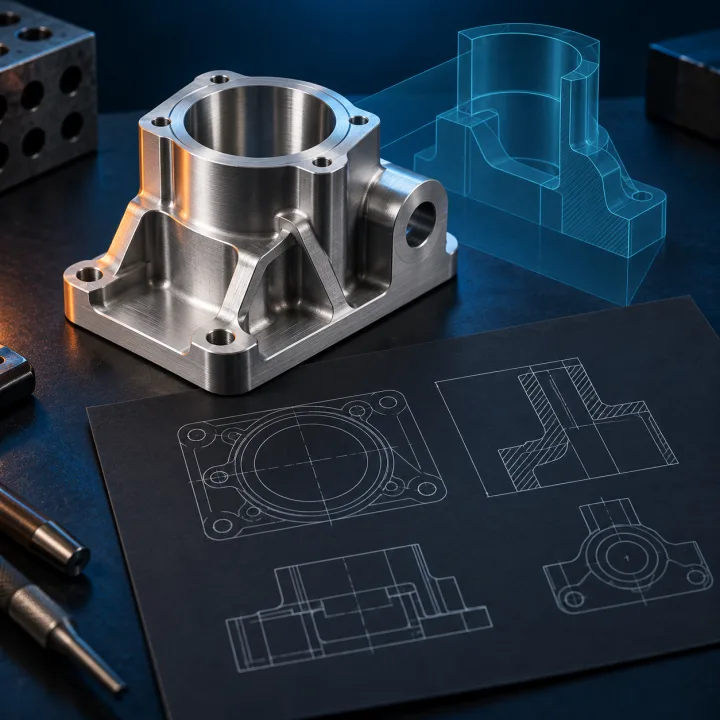
AI-generated product illustration of a technical drawing, a metal part, and a CAD surface.
AI-generated product image, not an analysis result
Free · no AI

Inspect a technical file now

DXF, STL, STEP, G-code, and CSV are processed by defined parsers. Inputs, units, formulas, and limits remain visible.

The inspection does not invent features. Without an approved CAD kernel, STEP is limited to metadata and approximate vertex spans.
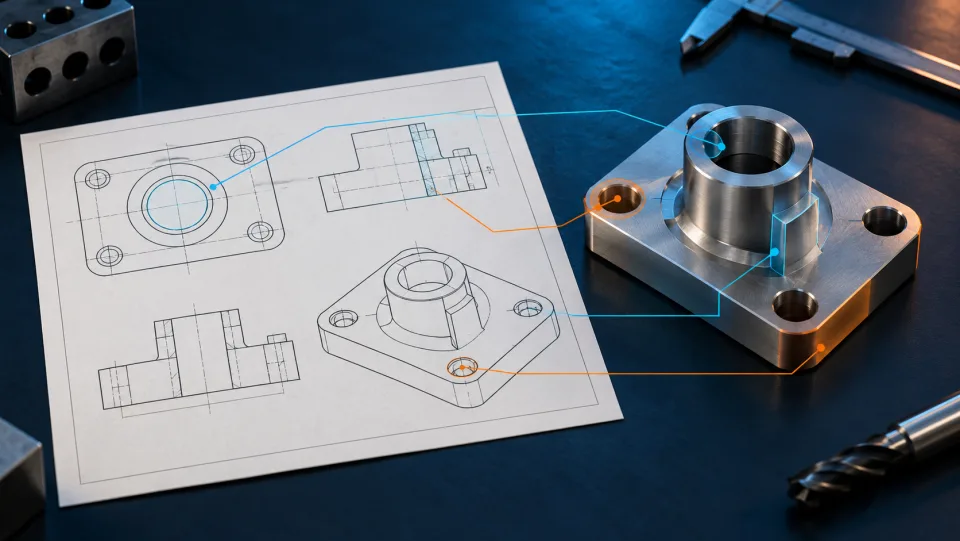
AI-generated product illustration of a technical drawing beside its matching metal part.
AI-generated product image, not an analysis result
Pro · AI

Review the complete drawing

AI reads PDF or image drawings, links dimensions, tolerances, material, and notes to their evidence, and keeps conflicts and missing details open.

OCR with page and block positions Evidence, uncertainty, and conflicts Suitable CNC calculators with confirmed inputs Professional review before acceptance

AI does not create an autonomous price. Only reviewed values enter deterministic costing and can then be saved.

Start AI analysis

One shared, reviewable result path

Neither path ends with a black-box number. Sources, assumptions, and limits remain visible through costing.

  1. Original source and real file preview
  2. Measurements and findings with provenance
  3. Operations, open details, and assumptions
  4. Time, cost, and quantity graphics from calculated values
Pro

Available with Pro

The AI collects readable dimensions and manufacturing details, identifies their source, separates assumptions from findings, and keeps missing values open. It produces a price only after you review the draft.

A new account starts on the free plan. AI quote creation requires a separately enabled Pro subscription.
Free and Pro

Free or Pro

Free calculators remain openly available. Pro adds the connected request and quote workflow.

Free

€0 · permanently
  • 134 CNC calculators without signing in
  • Manual unit costs and quotes
  • Inspect technical files within the stated limits
Open tools

Pro Pro

€99 / user / month · excl. VAT
  • Connect drawings and requests in reviewable drafts
  • Compare quantities, variants, and cost changes
  • Use multi-line quotes, approvals, and Pro MCP
Sign in with a Pro account

Continue with free tools

These tools remain available without signing in. Their values and results are not automatically combined into a quote.